|
This CHAPTER contains a listing and outline of the CONVERSATIONAL LIVE TOOL with a C AXIS cycles available in KipwareT®.
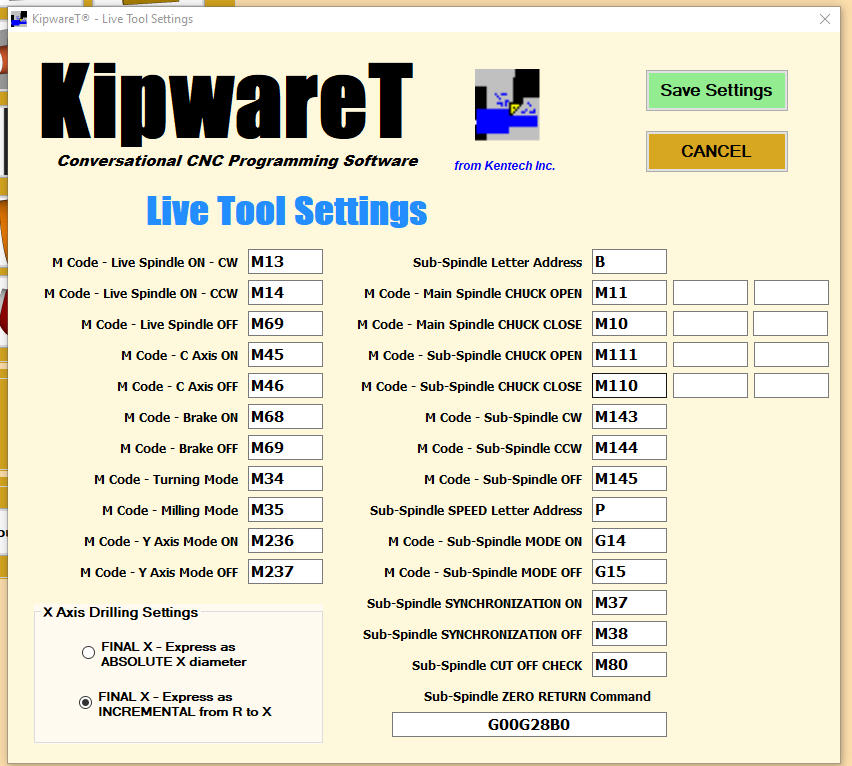
Users have complete control to configure the SETTINGS of the live tool programming as illustrated below :
If the SUB SPINDLE option has been purchased ... all cycles described here can be selected set to be performed on the sub spindle.
Conversational cycles allow users to create G code for the specific shapes using only fill-in-the-blank forms ... no CAD model or drawing of any kind is required to create G code using these cycles. They are arranged in this listing on no particular order and the list is current as of the current release.
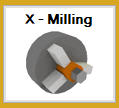
X AXIS MILLING
This cycle creates G code to machine a series of flats along the OD using the live tool & C axis.
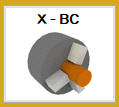
X BOLT CIRCLE
This cycle creates G code to machine a series of holes on a bolt circle using the live tool & C axis. Canned cycle selection can be drill cycle, normal tapping, reverse tapping or boring cycles. Full or partial bolt circles can be programmed.
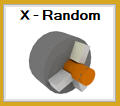
X RANDOM HOLES
This cycle creates G code to machine a series of holes using user defined X and C axis positions. Canned cycle selection can be drill cycle, normal tapping, reverse tapping or boring cycles.
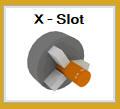
X SLOTTING
This cycle creates G code to machine a series of slots using the live tool & C axis and user defined slot angles and angles between the slots.
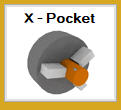
X POCKETING
This cycle creates G code to machine a series of pockets using the live tool & C axis and user defined pocket angles and angles between the pockets.
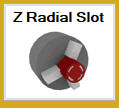
Z RADIAL SLOTTING
This cycle creates G code to machine a series of slots using the live tool & C axis and user defined slot angles and angles between the slots.
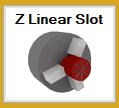
Z LINEAR SLOTTING
This cycle creates G code to machine a series of slots using the live tool & C axis and user defined slot angles and angles between the slots.
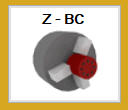
Z BOLT CIRCLE
This cycle creates G code to machine a series of holes on a bolt circle using the live tool & C axis. Canned cycle selection can be drill cycle, normal tapping, reverse tapping or boring cycles. Full or partial bolt circles can be programmed.
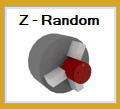
Z RANDOM HOLES
This cycle creates G code to machine a series of holes using user defined X and C axis positions. Canned cycle selection can be drill cycle, normal tapping, reverse tapping or boring cycles.
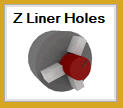
Z LINEAR HOLES
This cycle creates G code to machine a series of holes using user a line-at-an-angle format. the defined pattern can be repeated with simple inputs. Canned cycle selection can be drill cycle, normal tapping, reverse tapping or boring cycles.
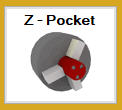
Z POCKETING
This cycle creates G code to machine a series of pockets using the live tool & C axis and user defined pocket angles and angles between the pockets.
|

